Free Website Migration
Support
Move your website to WeFitHost with guided migration support for files, databases, email, DNS, SSL, and launch checks. Our team helps you transfer with minimal disruption so you can focus on your business.
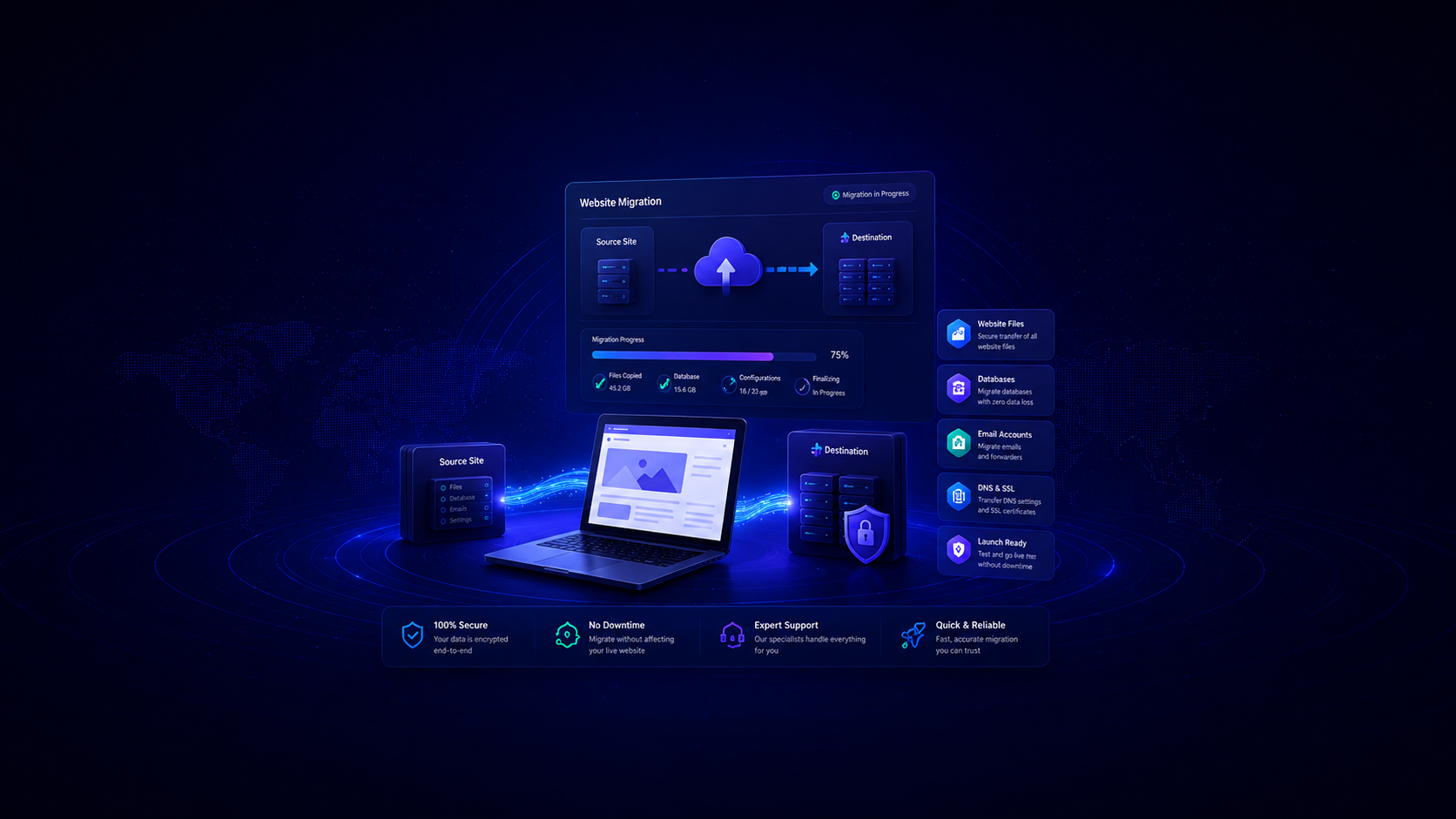
Move your website to WeFitHost with guided migration support for files, databases, email, DNS, SSL, and launch checks. Our team helps you transfer with minimal disruption so you can focus on your business.
Guided support for every part of your website transfer
Support for transferring website files, themes, plugins, uploads, and site structure.
Support for moving website databases and checking connection settings.
Mailbox migration support may be available depending on the current provider and account setup.
Guidance for DNS updates, SSL setup, and final launch checks.
A backup should be taken before changes are made to reduce risk.
Basic post-migration checks for pages, forms, login areas, and key website functions.
Migration availability depends on current platform, access, website size, email setup, and technical requirements. Migration support is included with eligible WeFitHost hosting plans. Complex migrations, custom applications, ecommerce stores, large mailboxes, or specialist work may require review before confirmation.
A planned approach designed to reduce disruption
Customer provides website details and current hosting information.
We confirm what access is needed: hosting panel, FTP/SFTP, database, email, or DNS.
Website files and databases are backed up and transferred to WeFitHost.
The site is checked on the new hosting environment before DNS changes.
DNS records are updated and the website is monitored during launch.
A clear picture of what to expect while your website and email are being moved.
Our team handles every part of the move for you. You'll receive an email confirming completion once the migration is finished.
No downtime is expected. Visitors and admins can use the site as normal throughout the process.
During the move, email may route to either the old or new mailbox. Check both so you don't miss any new messages. Sending works as usual.
Your website and email login details stay exactly the same as before the migration.
Typically 20 minutes to 4 hours, with an average of around 30–40 minutes. DNS propagation can take up to 72 hours to fully complete.
If you use mail.yourdomain.com as your mail server, no change is needed. If you use a hostname or IP instead, you'll need to update your mail client. We'll send details when required.
Every migration comes with a noticeable upgrade in speed, reliability, and security.
High-spec Samsung SSDs power your web space so your website loads extremely quickly, a factor search engines and visitors both care about.
Your site takes resources from a whole platform, not just one or two servers. If a server has trouble, another steps in with no impact.
A brand-new, responsive control panel designed to be user-friendly so you access everything you need from any device, anywhere.
Outbound email is filtered to reduce blacklisting risks, and incoming email passes through advanced virus and spam checks before it reaches you.
WordPress sites run on a fully-optimised platform with StackCache caching, WordPress Staging, automatic core updates, and regular security scans.
47% of users expect a website to load in under two seconds, our SSD platform and caching give you the best chance of hitting that target.
Migration support available for a wide range of platforms

Including WooCommerce & Multisite

All versions with extensions

Including Drupal Commerce

1.x and 2.x versions

Store migrations

Framework or custom code

Application migrations
Contact us about your stack
Don't just take our word for it — hear from local businesses and creators that switched to our optimized hosting solutions.
Find answers to common questions about our migration support
Migration support is included with eligible WeFitHost hosting plans. Complex migrations may require review before confirmation.
We plan migrations to reduce disruption. Some DNS or email changes may involve short propagation periods depending on your current setup.
We may need hosting control panel access, FTP/SFTP access, database access, WordPress admin access, email details, or DNS access depending on the migration.
Yes, email is moved as part of your migration. Your mailbox logins stay the same as they were before.
If your mail client is already set to use mail.yourdomain.com, no action is needed. If you're using a specific mail server hostname or IP address instead, you'll need to update your mail client. We'll supply the new details when the migration is complete.
During the move: your email may route to either the old or the new server, so please check both mailboxes so you don't miss anything. Sending email works as normal throughout.
The migration itself typically takes 20 minutes to 4 hours, depending on the size and complexity of your websites and databases. The average is around 30–40 minutes, but a small number of cases take longer.
After the move, DNS changes can take up to 72 hours to fully propagate across the internet though in the vast majority of cases it's much faster.
Yes, but ecommerce migrations should be reviewed carefully to avoid order, payment, checkout, and customer data issues.
Yes, custom websites can be reviewed. Some custom applications may need developer involvement or a separate project quote.
Yes, a full backup is taken before any migration work begins, so nothing is lost if anything unexpected happens along the way.
Complete this form and our migration team will contact you to begin your transfer.
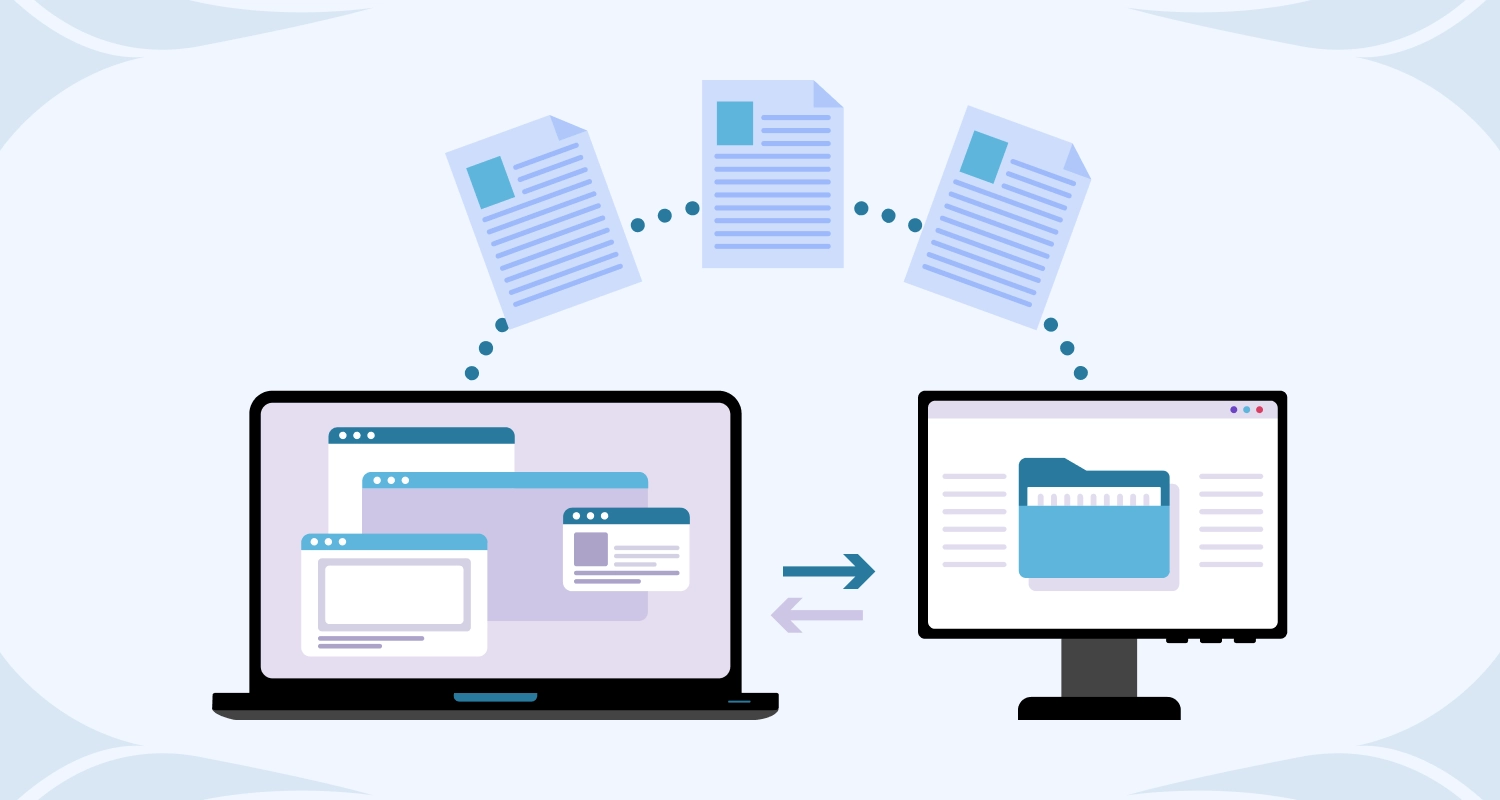
Start your migration request today and get guided support for files, databases, email, DNS, SSL, backups, and launch checks. Included with eligible hosting plans.